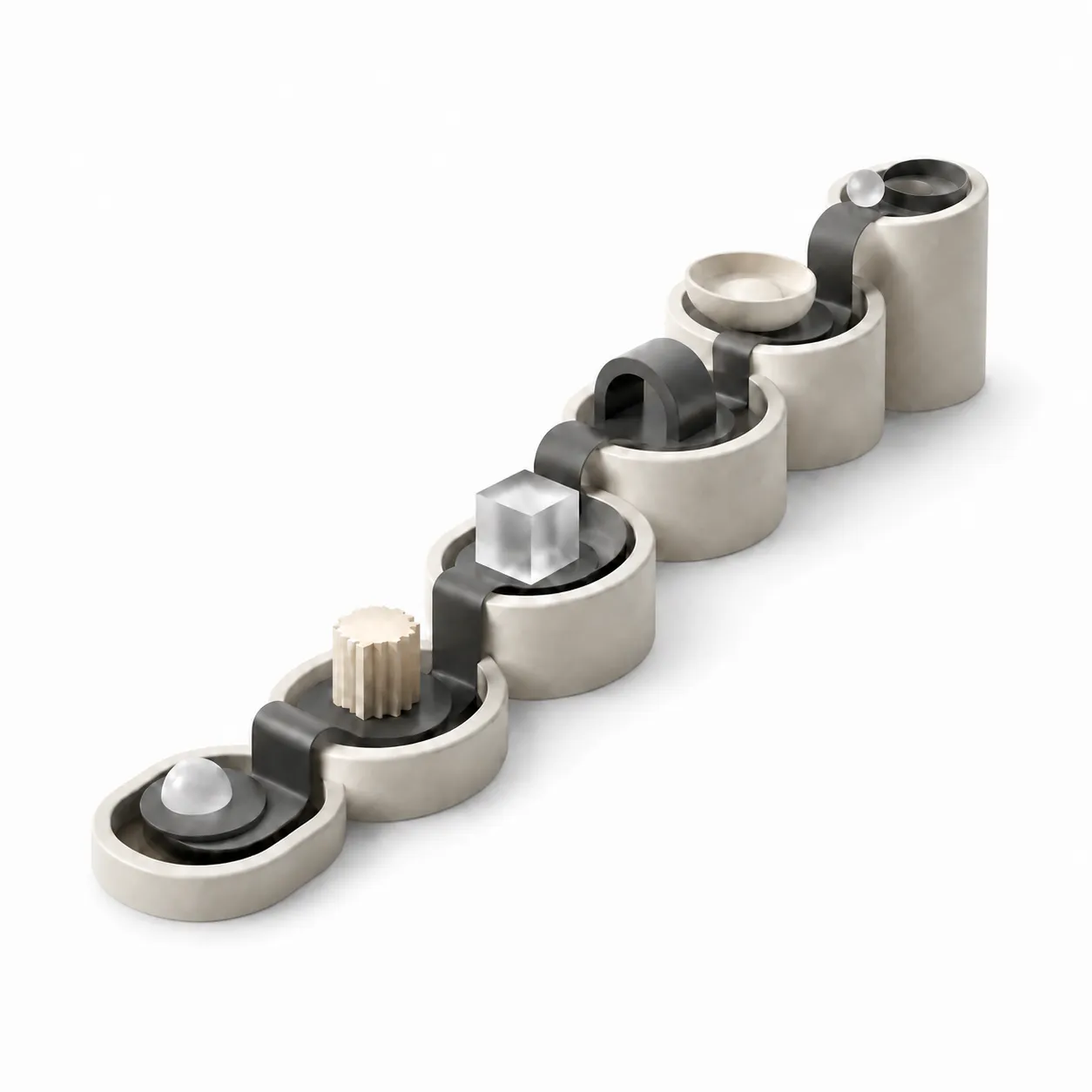
One continuous sequence
From the home screen through disease-related change
Six chapters for exploring real human MRI by touch with the MR.Brain-Edu brain education kiosk
Request a demo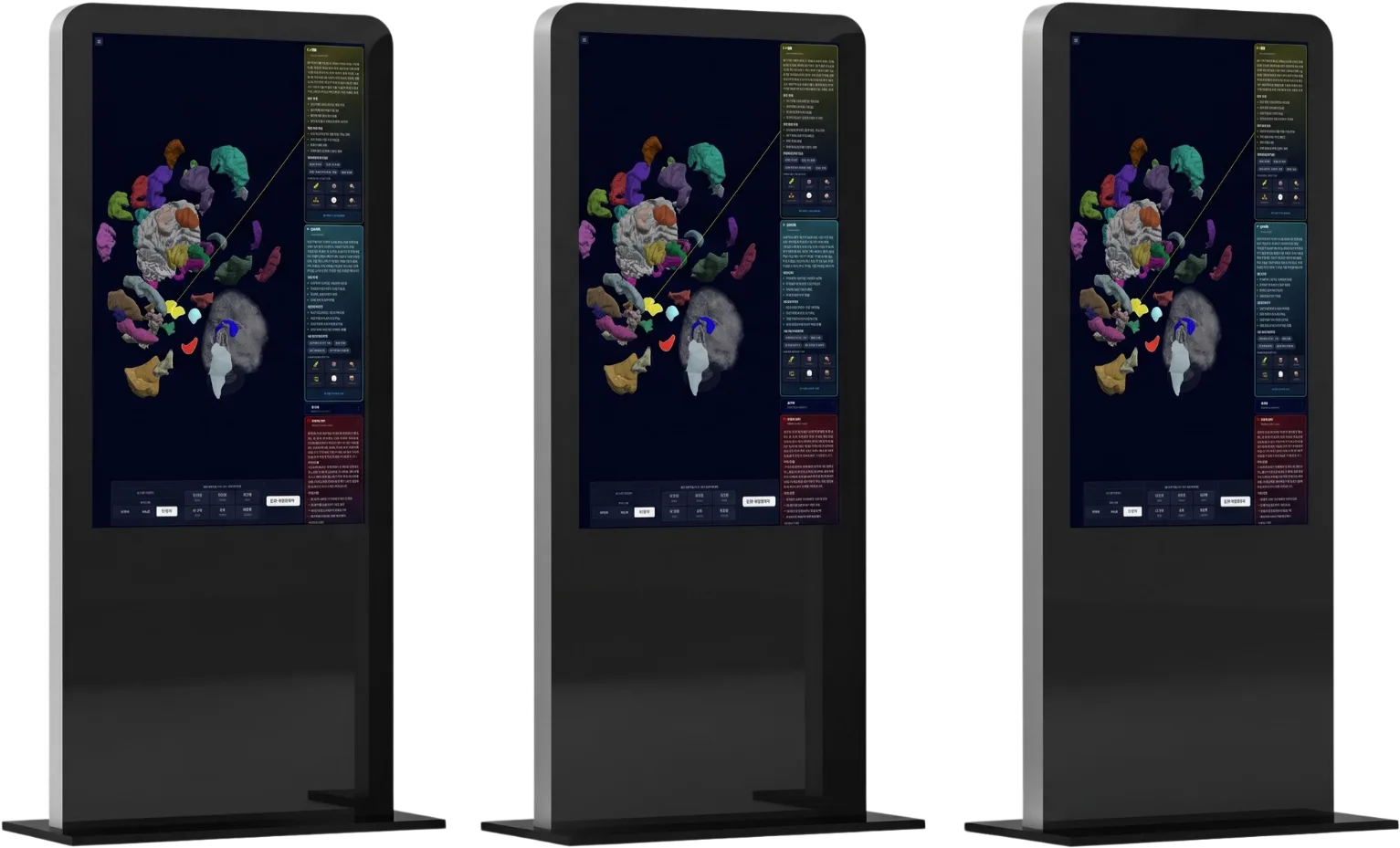
From the home screen through disease-related change
The same location highlights in 2D and 3D
Independent of the venue connection
Nothing is locked; visitors can move freely between chapters.
Choose a chapter to see the learning flow
See the whole experience at a glance
A working feel for grayscale imaging
Connect the same location in 2D and 3D
Open the brain and learn region names
See ordinary change with age
Compare a normal and an affected brain
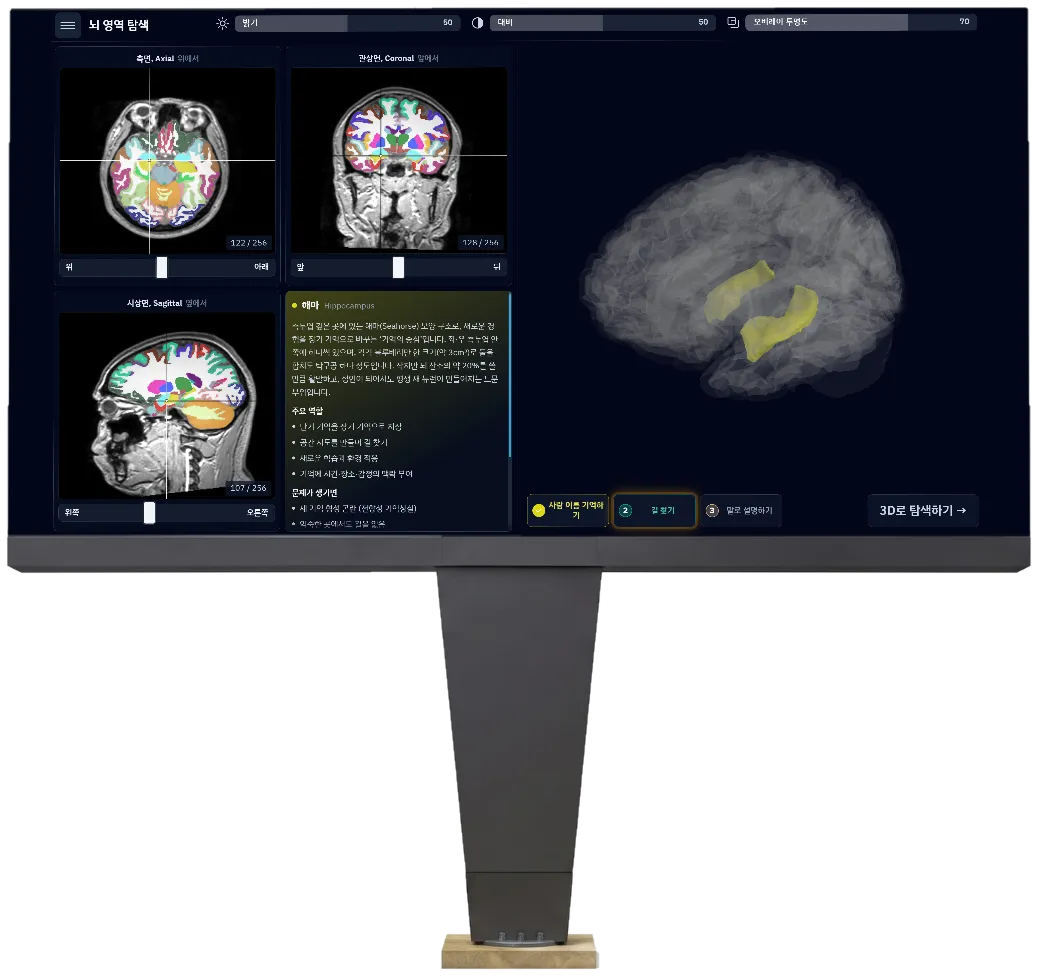
Not illustrations or a synthetic model: public and in-house scans segmented into volumes and 3D meshes.
The next step opens on the gesture, not on a timer.
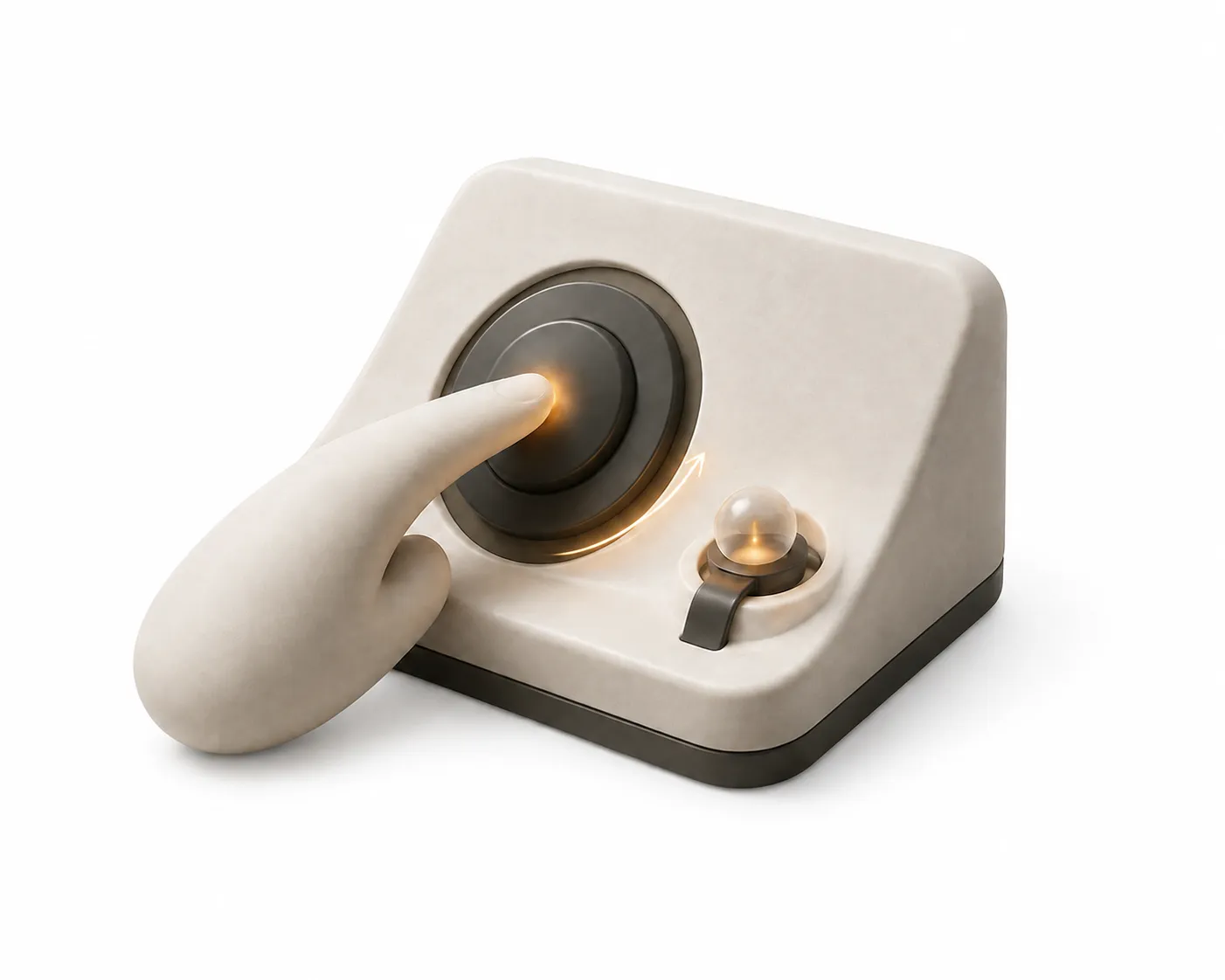
A spotlight identifies the target and demonstrates the gesture.
Tasks such as “find the hippocampus” send visitors exploring.
The two surfaces needed after installation
Large targets, no text entry, instant Korean–English switch
A hidden entry point for idle timing and guidance settings
No. Once installed, it operates independently without a network.
After an operator-set idle period it returns to the home screen.
The globe menu switches the complete interface, names, and descriptions.
No. It is educational exhibit software and does not assess scans or derive measurements.
The touch display, mini PC, and software are configured as one installation.
Use the contact page and tell us the venue type and installation environment.
Six chapters form one continuous flow from the home screen through disease-related change.
Yes. Nothing is locked, so visitors can enter any chapter.
Public and in-house scans are prepared as educational volumes and 3D models.
On-screen spotlights and gesture demonstrations guide the next action.
No. Completing the demonstrated action opens the next step.
It is designed for museum, science-centre, education, and healthcare learning spaces.
Visitor mode and an administrator mode for on-site settings are provided separately.
No. The experience is built around large touch targets and direct manipulation.
The source of each dataset remains visible to preserve the boundary of an educational product.