MR.Brain-Edu

Venues

Shape the experience around the room

The same MR.Brain-Edu installation needs a different starting point and operating review for exhibition visitors, learners, and public waiting spaces.

  • Touch display + mini PC
  • Windows app · offline after installation
  • Korean · English
A touch display showing the brain-region explorer — axial, coronal and sagittal MRI alongside the hippocampus description and a 3D brain.

By institution

Choose the closest environment

These four environments are compared on one page rather than split into separate detail routes. Each section shows both the editorial emphasis and the conditions that remain unresolved.

Visitors, educators, and operators

Four clear facts on site

Visitor

No login to begin

No personal account or visitor login is required.

Visitor

Explore by touch

Visitors explore prepared educational content on a touch display.

Visitor · educator

Korean and English

The same educational experience can be operated in either language.

Educator · operator

Idle return and admin settings

The app returns home after idle time and provides on-site settings.

Venue configurations

Set the emphasis by venue

Exhibition visitors

Museums & science centers

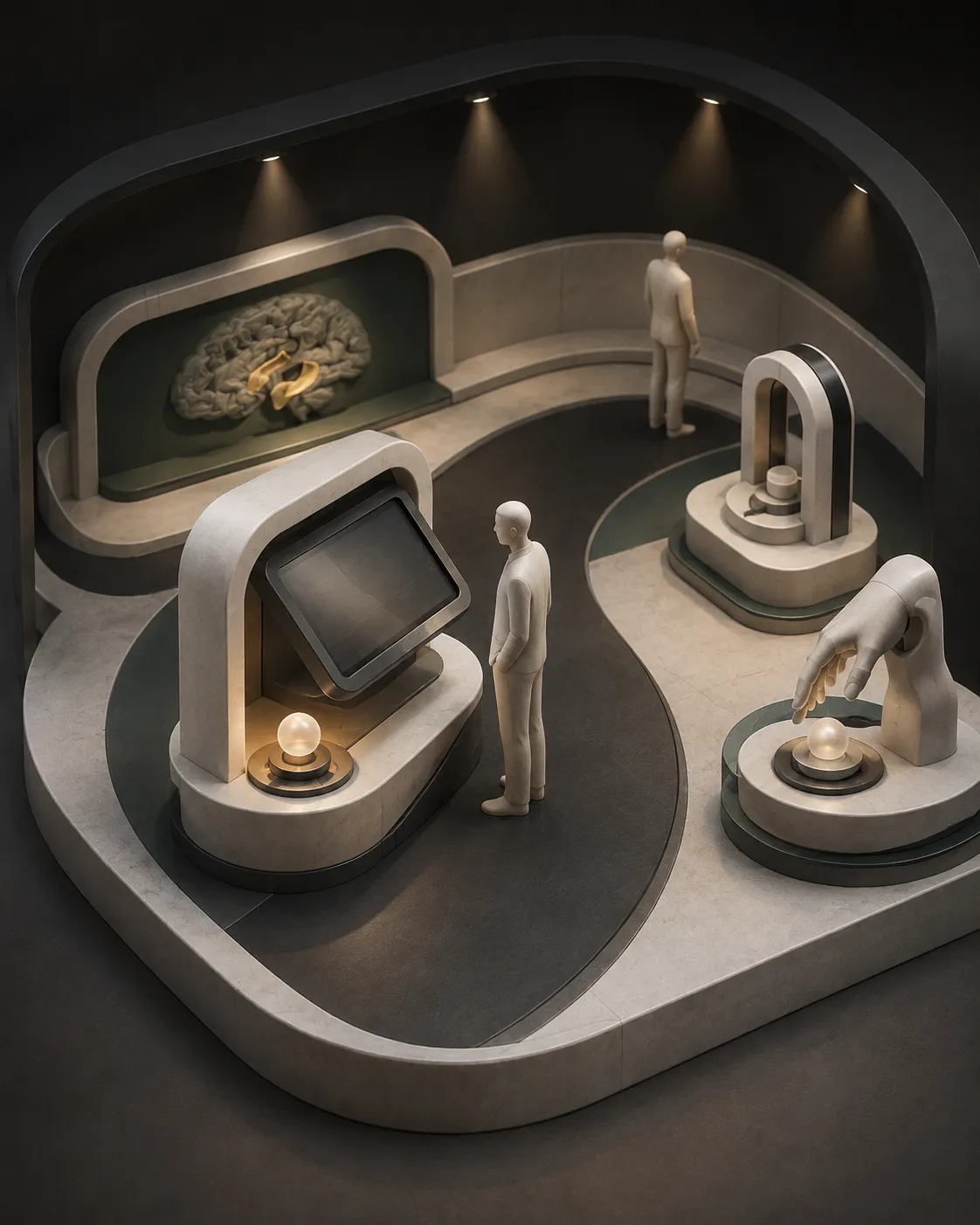
Conceptual 3D illustration of a visitor exploring an educational touch display along a science-museum exhibition route.Concept illustration

Visitor context

A setting for general visitors who encounter the brain for the first time or pause briefly to explore within an exhibition route.

Why the experience fits

It starts by touch without a login and runs offline after installation, so it can be reviewed as an educational exhibit separated from the institution network.

Lead with

Begin with the fundamentals of MRI slices, then introduce the region map and the connection between 2D and 3D.

Hold back

Do not frame the content as an individual scan, introduce personal figures, or imply a medical determination.

Operating review

  • Review whether the home screen should begin in Korean or English for the venue.
  • Use admin settings to review how the idle return fits the visitor route after an interaction ends.
  • Check that the permanent wording keeps the educational, exhibition, and non-medical boundary clear.

Responsible site-fit note

Exhibition furniture and visitor circulation must be reviewed together. The conditions below are site-review items, not confirmed values.

  • Mounting — stand, wall, table, and actual supplied options are not yet confirmed. Decide after reviewing the site and supplied hardware.
  • Power — input and cable-routing requirements are not yet confirmed. Review site power together with the supplied hardware specification.
  • Space — footprint, clearance, and circulation requirements are not yet confirmed. Review them after a site measurement.
  • Schedule — no standard delivery or installation timeline has been verified. Agree it separately after scope is defined.
  • Warranty — period, covered items, and service owner are not yet confirmed. Make no promise before written terms are set.

Center visitor education

Dementia care centers

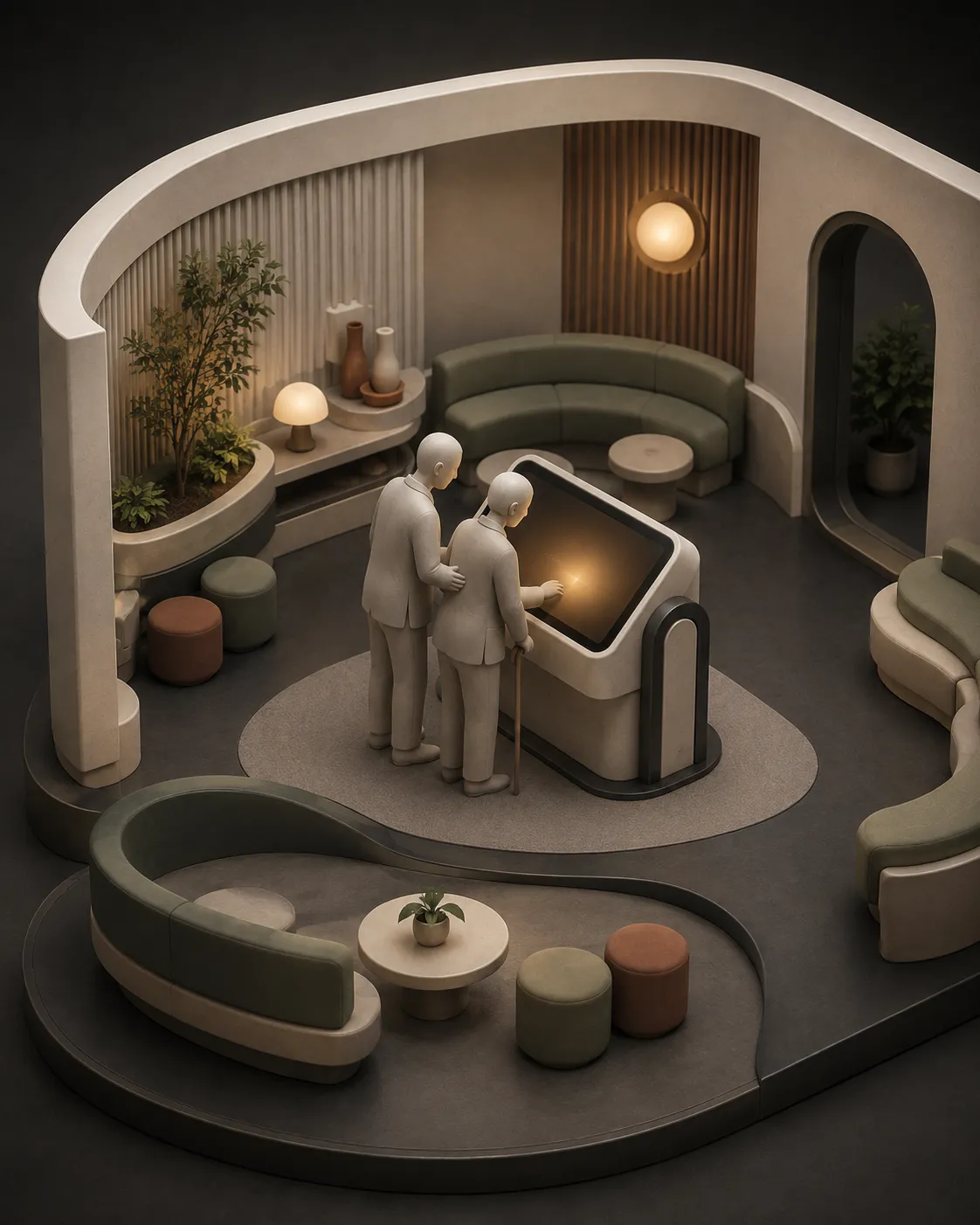
Conceptual 3D illustration of an older visitor and companion using an educational touch display in a calm center lounge.Concept illustration

Visitor context

A setting where center visitors explore brain structure and change within a general educational context.

Why the experience fits

It presents prepared content only, does not accept or measure an individual image, and requires no visitor account.

Lead with

Begin with basic structure and interaction guidance. Present the general comparison of brain change together with the educational boundary.

Hold back

Do not lead with complex exploded views or quiz-style tasks, and do not describe the experience as a way to understand an individual condition.

Operating review

  • Review a home screen and language that visitors can understand immediately.
  • Check the idle return in the operating flow so the previous interaction is not left for the next visitor.
  • Make sure on-site wording matches its educational, exhibition, and non-medical purpose.

Responsible site-fit note

Review placement and wording so the kiosk is not confused with a consultation or program service. Set physical conditions only after the site review.

  • Mounting — stand, wall, table, and actual supplied options are not yet confirmed. Decide after reviewing the site and supplied hardware.
  • Power — input and cable-routing requirements are not yet confirmed. Review site power together with the supplied hardware specification.
  • Space — footprint, clearance, and circulation requirements are not yet confirmed. Review them after a site measurement.
  • Schedule — no standard delivery or installation timeline has been verified. Agree it separately after scope is defined.
  • Warranty — period, covered items, and service owner are not yet confirmed. Make no promise before written terms are set.

Anatomy learners

Medical & nursing schools

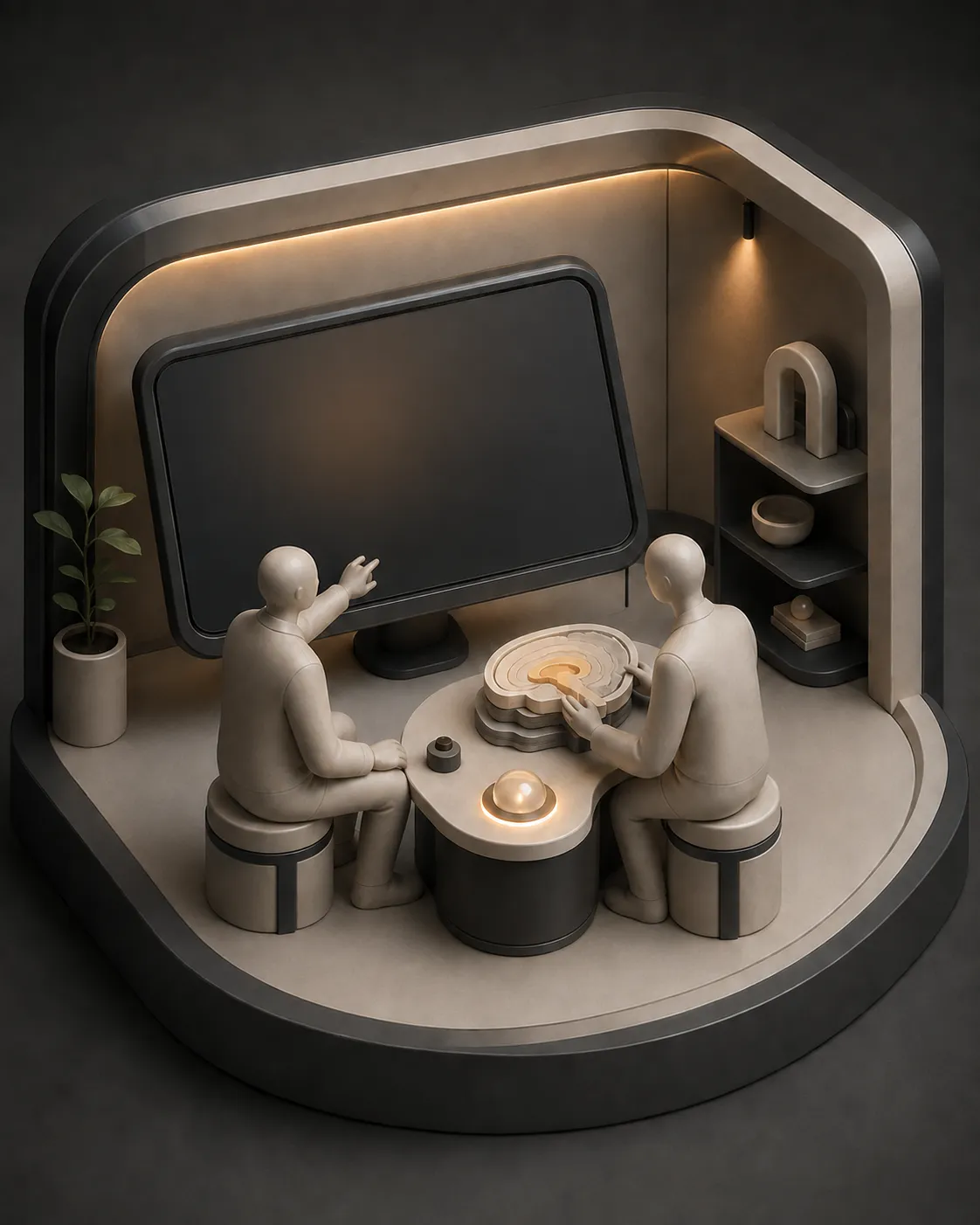
Conceptual 3D illustration of two learners exploring a neutral structure model and touch display in an anatomy-learning room.Concept illustration

Visitor context

A setting for learners and educators exploring the relationship between MRI slices and 3D anatomy.

Why the experience fits

Prepared MRI education content can be explored on a touch display, with 2D position and 3D structure in the same flow.

Lead with

Center the sequence on MRI slices, the region map, and the 2D-to-3D connection; the educator chooses where it sits in the lesson.

Hold back

Do not propose use for medical decisions about a learner or for analysis of an individual image.

Operating review

  • Review the home screen and Korean–English use against the learning sequence.
  • Check that idle return and access to admin settings fit the rules for shared equipment.
  • Confirm that offline operation after installation fits the institution’s equipment-management process.

Responsible site-fit note

Review classroom furniture, circulation, and equipment-management procedures together. Physical requirements and schedule remain unconfirmed.

  • Mounting — stand, wall, table, and actual supplied options are not yet confirmed. Decide after reviewing the site and supplied hardware.
  • Power — input and cable-routing requirements are not yet confirmed. Review site power together with the supplied hardware specification.
  • Space — footprint, clearance, and circulation requirements are not yet confirmed. Review them after a site measurement.
  • Schedule — no standard delivery or installation timeline has been verified. Agree it separately after scope is defined.
  • Warranty — period, covered items, and service owner are not yet confirmed. Make no promise before written terms are set.

Public waiting-space visitors

Hospital lobbies & public institutions

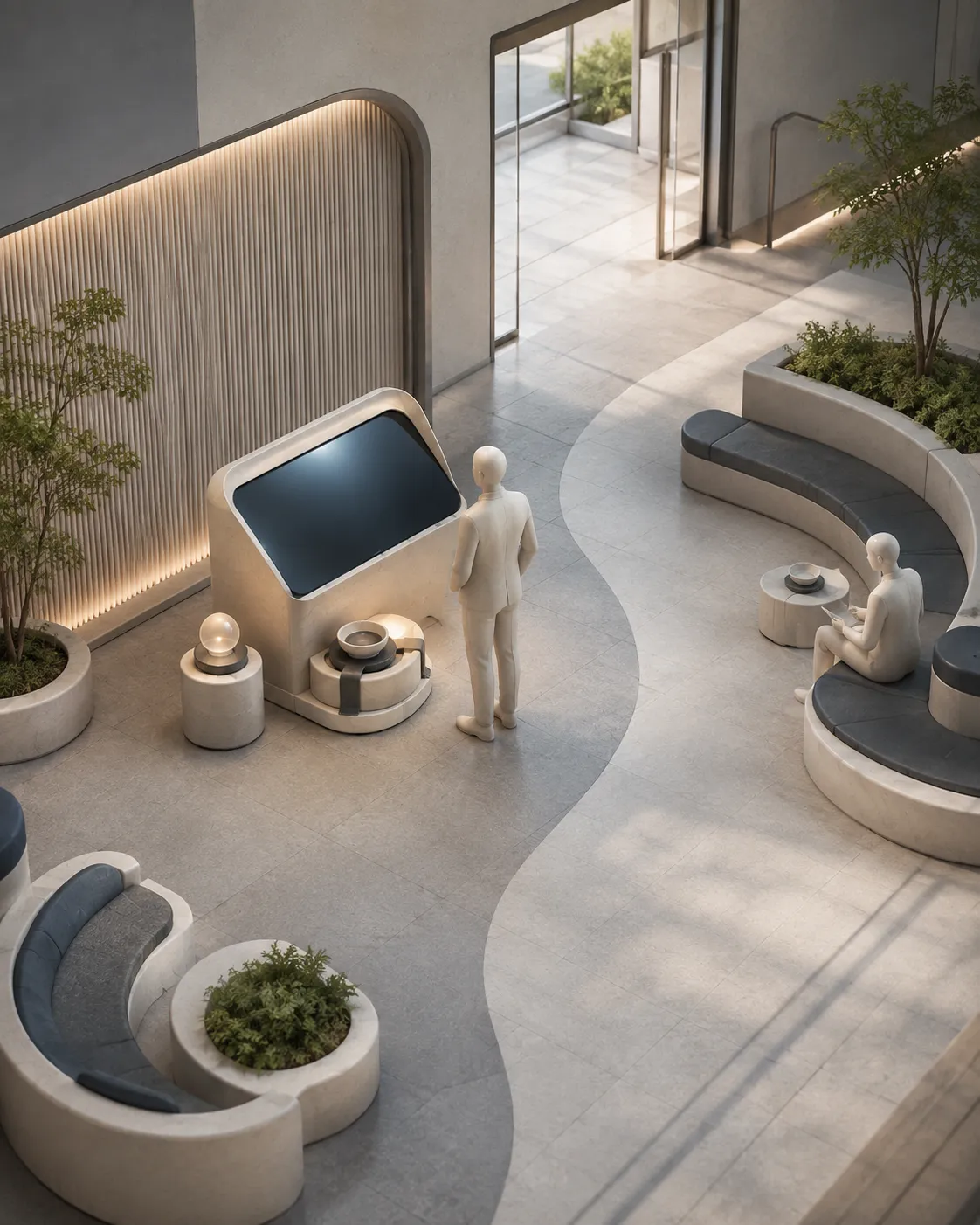
Conceptual 3D illustration of a visitor exploring an educational touch display beside the open route through a public waiting space.Concept illustration

Visitor context

A public-space setting where waiting or passing visitors encounter brain education content for a short time.

Why the experience fits

It starts without a visitor login and returns to the home screen after idle time, supporting review as a shared touch installation.

Lead with

Start with the purpose of the experience, basic MRI slices, and language switching—content that can be understood in a short visit.

Hold back

Do not connect disease content to the institution’s services or an individual condition, and do not foreground medical framing.

Operating review

  • Check that the home screen and interaction guidance are clear within the waiting route.
  • Have the responsible operator review idle return and admin settings against the site workflow.
  • Align on-site notice with the educational, non-medical, and no-individual-measurement boundaries.

Responsible site-fit note

Confirm a position that does not obstruct access or waiting circulation. Review installation conditions after the supplied hardware is defined.

  • Mounting — stand, wall, table, and actual supplied options are not yet confirmed. Decide after reviewing the site and supplied hardware.
  • Power — input and cable-routing requirements are not yet confirmed. Review site power together with the supplied hardware specification.
  • Space — footprint, clearance, and circulation requirements are not yet confirmed. Review them after a site measurement.
  • Schedule — no standard delivery or installation timeline has been verified. Agree it separately after scope is defined.
  • Warranty — period, covered items, and service owner are not yet confirmed. Make no promise before written terms are set.

Review materials

Review material status

Shared technical information is available on the specifications page. There is currently no published venue PDF or confirmed warranty document.

Open specifications
  • Shared technical specificationsWeb page available
  • Venue-specific PDFNot currently available
  • Warranty terms documentAwaiting written confirmation

Currently verified configuration

  • Windows app running with a touch display and mini PC
  • Offline operation after installation
  • No visitor login
  • Korean and English, idle return, and admin settings
  • Educational, exhibition, non-medical; no individual-image measurement

FAQ

Questions before a venue review

Does it need an internet connection?

It operates offline after installation. Any conditions needed during installation are reviewed separately when scope is defined.

Does a visitor need to log in?

No. It does not require a visitor account or login.

Does it accept or measure an individual image?

No. It presents prepared educational content and does not accept an individual image or derive personal figures.

Can it be used for medical purposes?

No. It is an educational, exhibition, non-medical product and is not for determining an individual health condition.

Are mounting and space requirements fixed?

Not yet. Actual supplied options, power, footprint, clearance, and circulation are set after the hardware and site are reviewed.

What are the installation timeline and warranty terms?

No standard timeline, warranty period, covered items, or service owner has been verified. These are provided only after scope and written terms are set.

Next step

Tell us about your institution and room

Email the closest of the four environments and the intended location. The conversation can then begin from the verified product scope and the site-review items above.

contact@mtechlab.co.kr