Touch display
Touch display
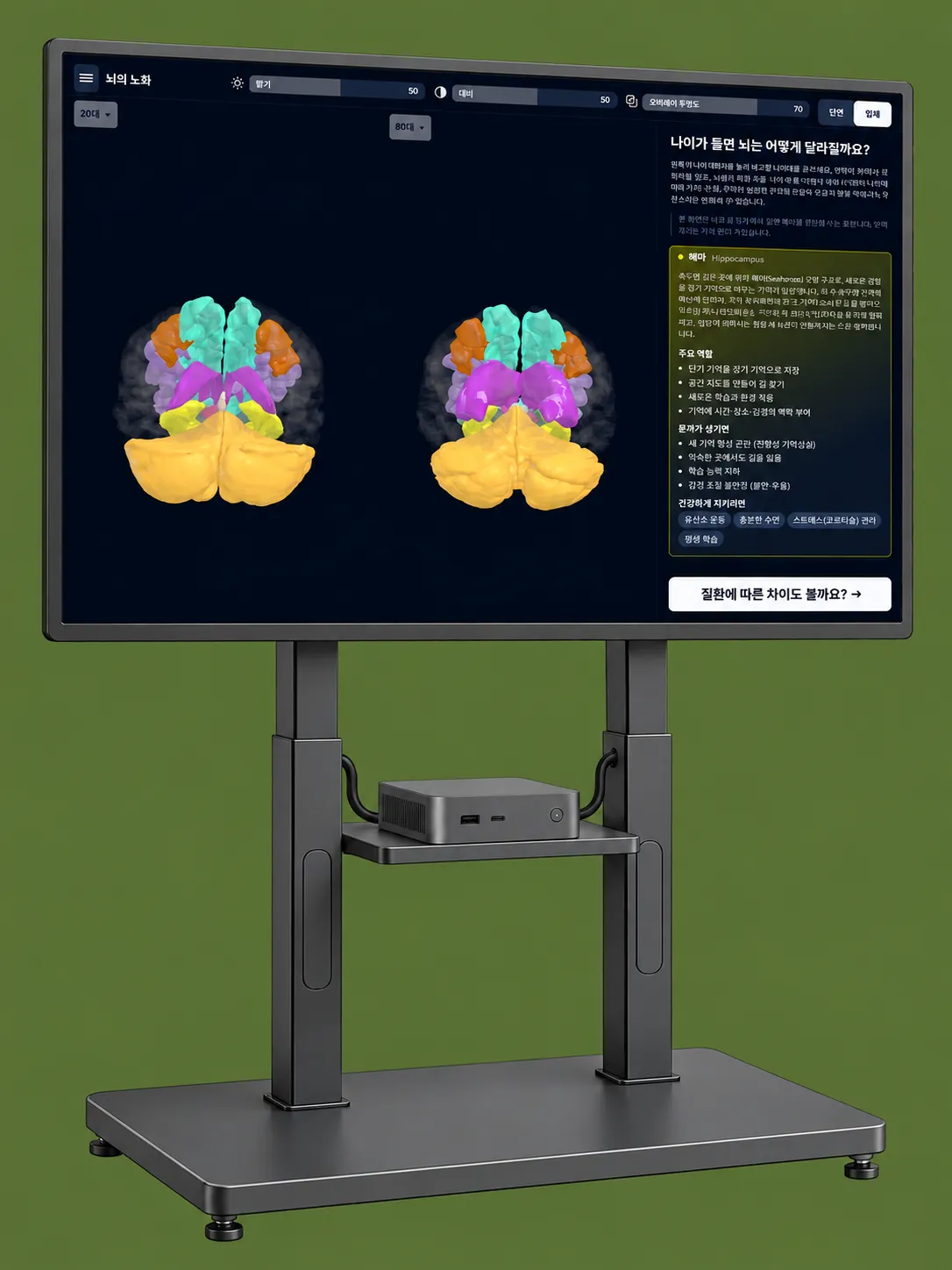
The exhibit touch surface used with the mini PC and software. Model and installation format remain site-review items.
Discuss a deployment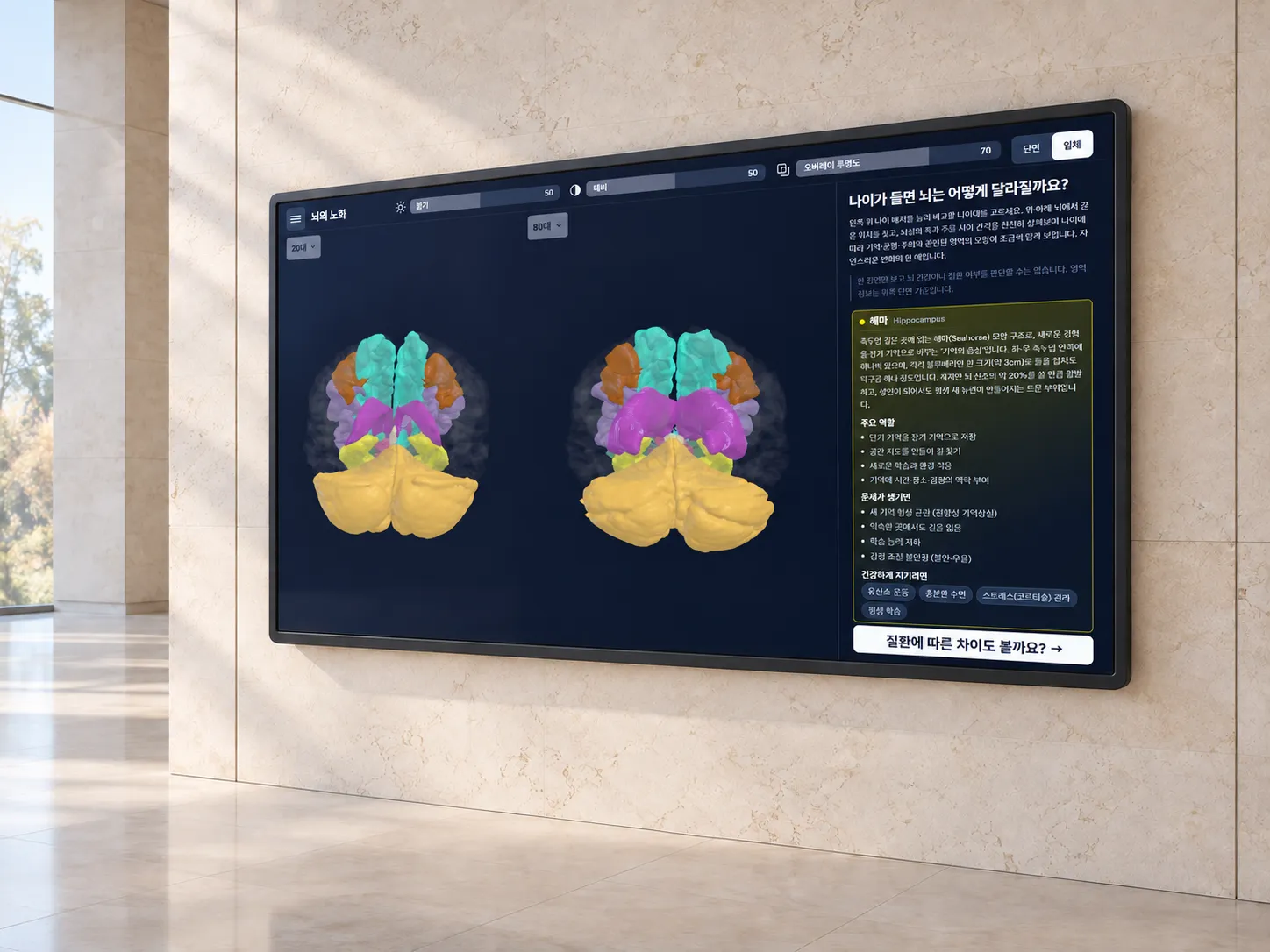
Specifications
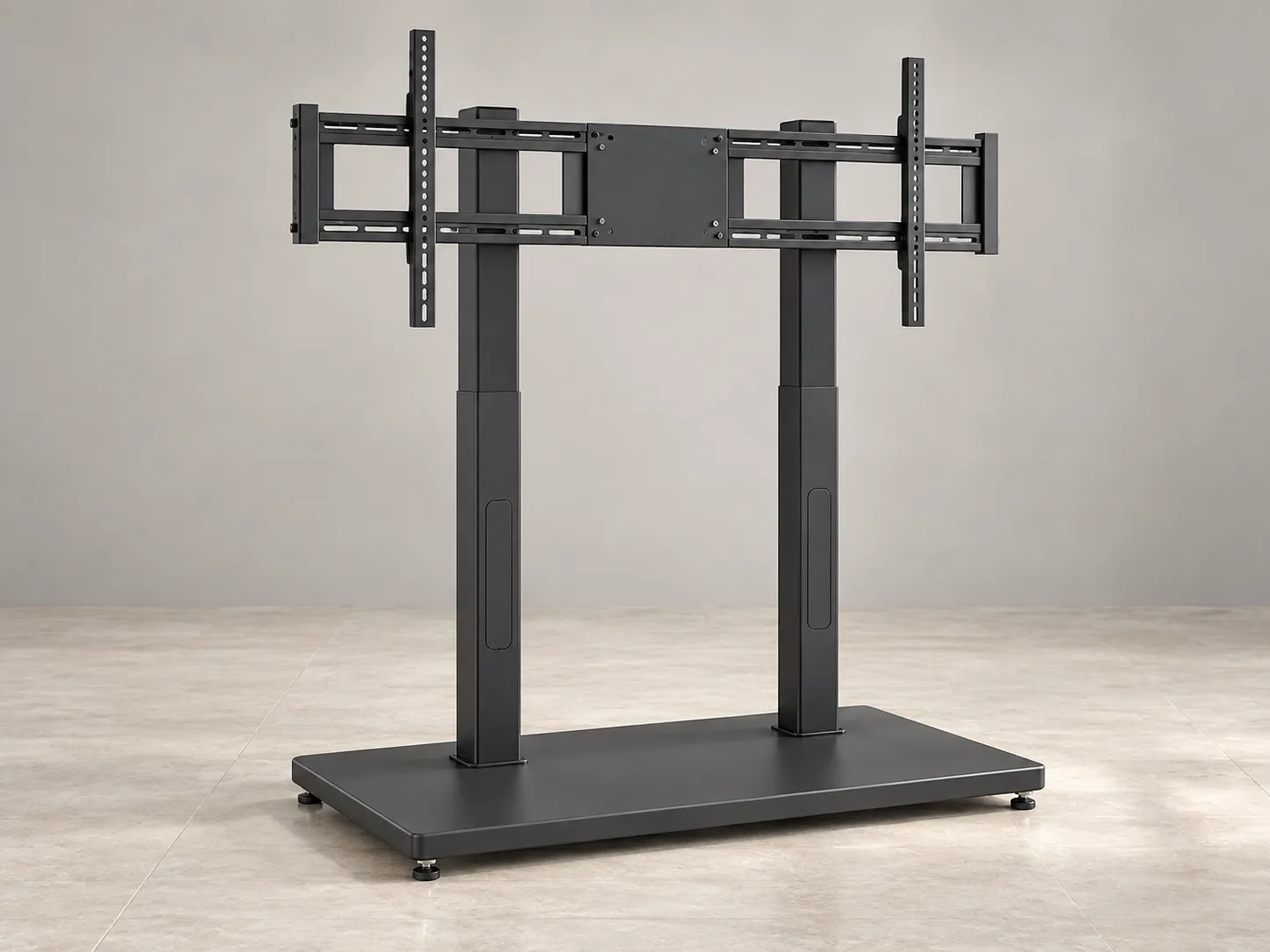
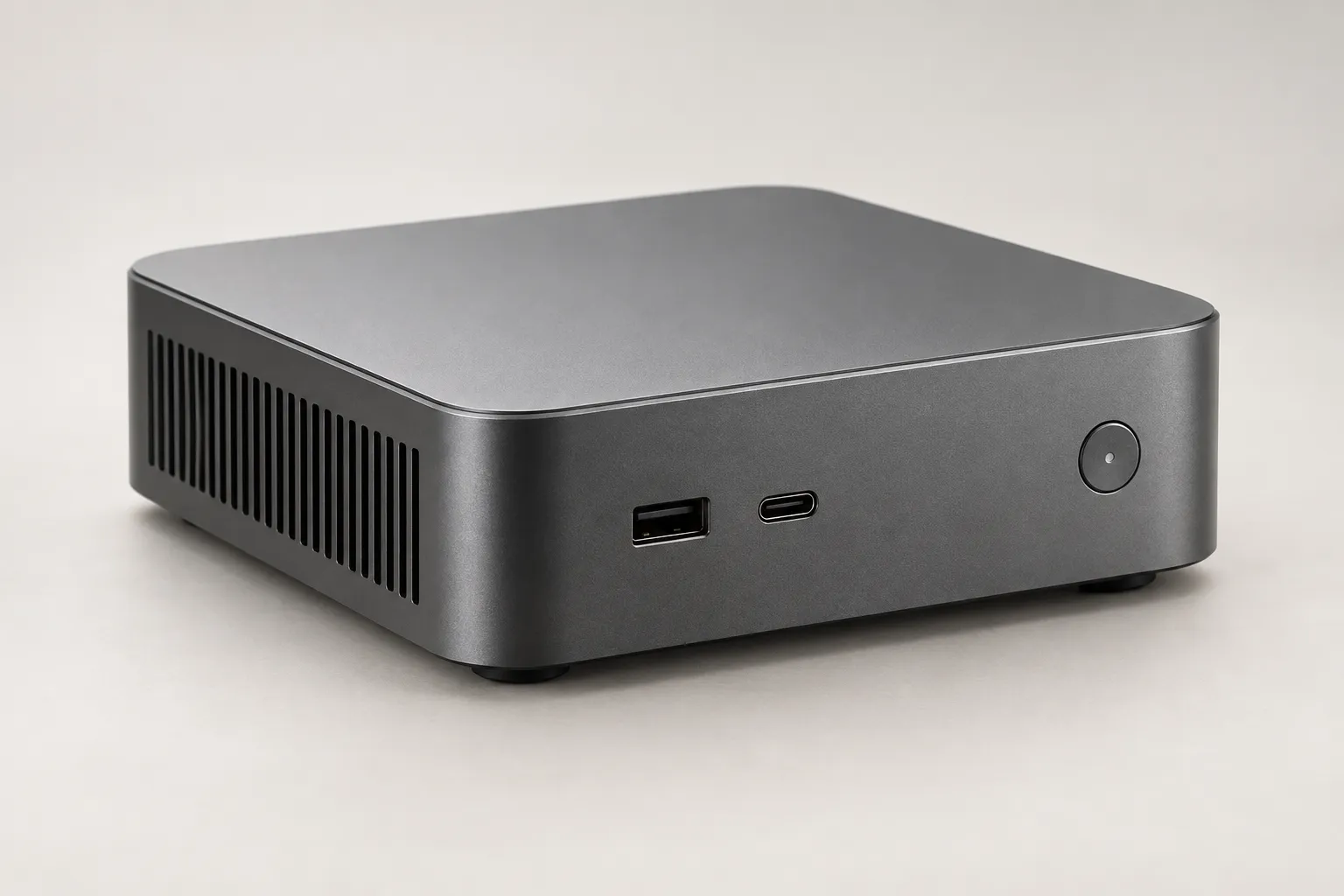
Hardware illustrations show the configuration concept. Actual models and installation format are confirmed after site review.
Runs as a Windows desktop application. The recommended display resolution is confirmed together with the supplied hardware.
After installation it operates independently without a network. Visitors do not need an account or a login.
The interface uses large touch targets without text entry. Colour is paired with icons rather than carrying state by itself.
Visitors can switch directly between Korean and English, with the chosen language retained as they move through the chapters.
The admin screen adjusts the home presentation, idle time and operating guidance to suit the venue.
This is educational exhibition software, not a medical device. It does not measure personal images and is not for diagnosis, treatment or health assessment.
The ageing comparison uses the public IXI dataset; the disease comparison uses separate in-house data, and unlike sources are not mixed within one comparison.
Hardware details confirmed after site review
The display, dedicated mini PC and MR.Brain-Edu software arrive configured to work together at the venue.
The app and compute unit are checked in one display environment, including startup and idle return with no network available.
Panel model, detailed PC specification, installation format, power, space and warranty terms are not yet part of the public specification. They require site review and supplier inputs before confirmation.
For procurement review, share the installation location, intended users, operating hours and timeline. Confirm the equipment configuration and warranty scope in the quotation before making a purchasing decision.
Display, compute and content are reviewed together so the institution does not have to assemble the system itself. Confirmed criteria such as offline operation come first; actual equipment is selected only after the installation space is reviewed.
The exhibit touch surface used with the mini PC and software. Model and installation format remain site-review items.
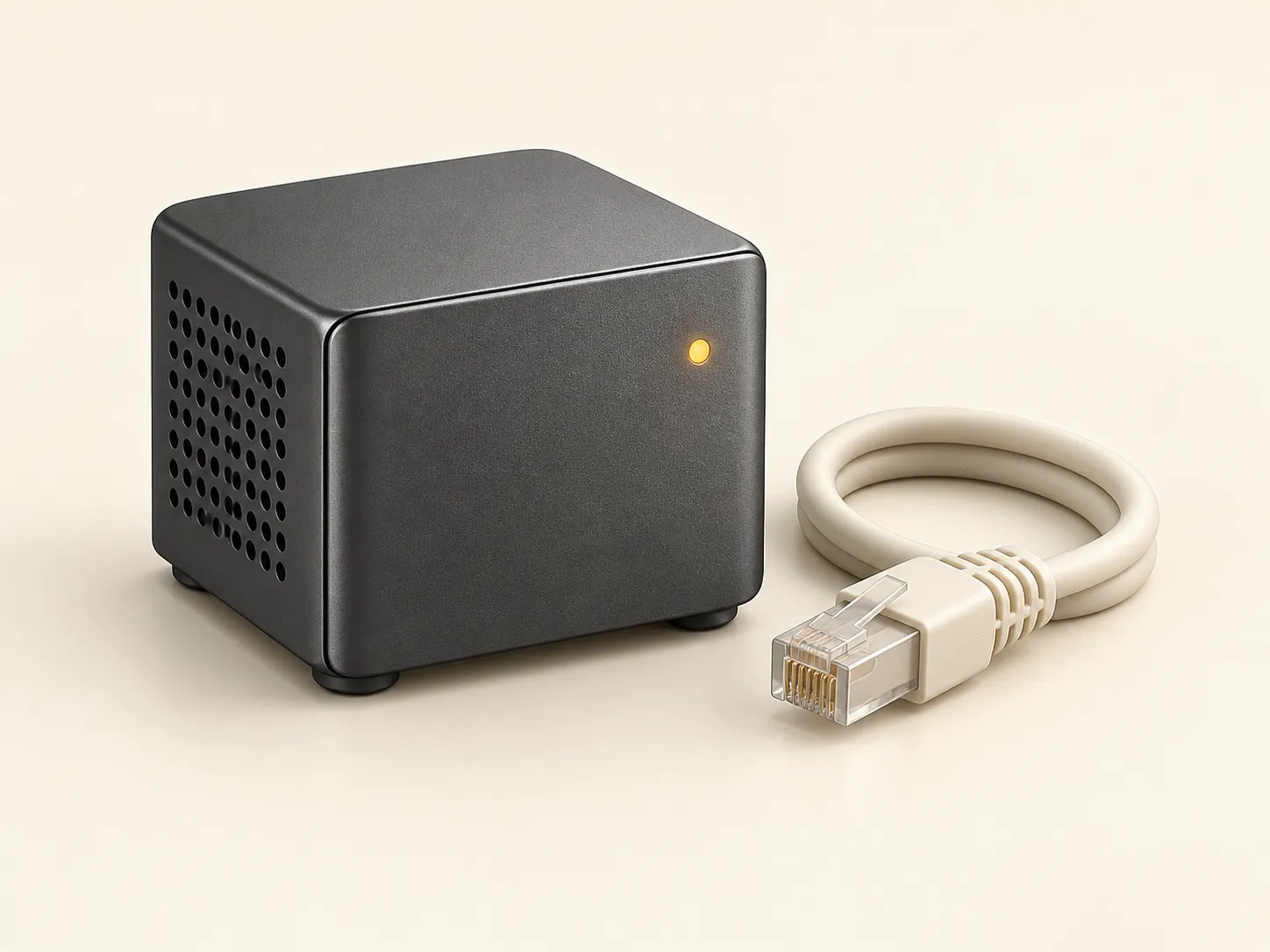
Discuss a deploymentA dedicated unit with the app installed, operating independently of the venue network.
Discuss a deploymentSix bilingual exhibit stages, from MRI slices to the 3D atlas and comparisons of change.
Discuss a deployment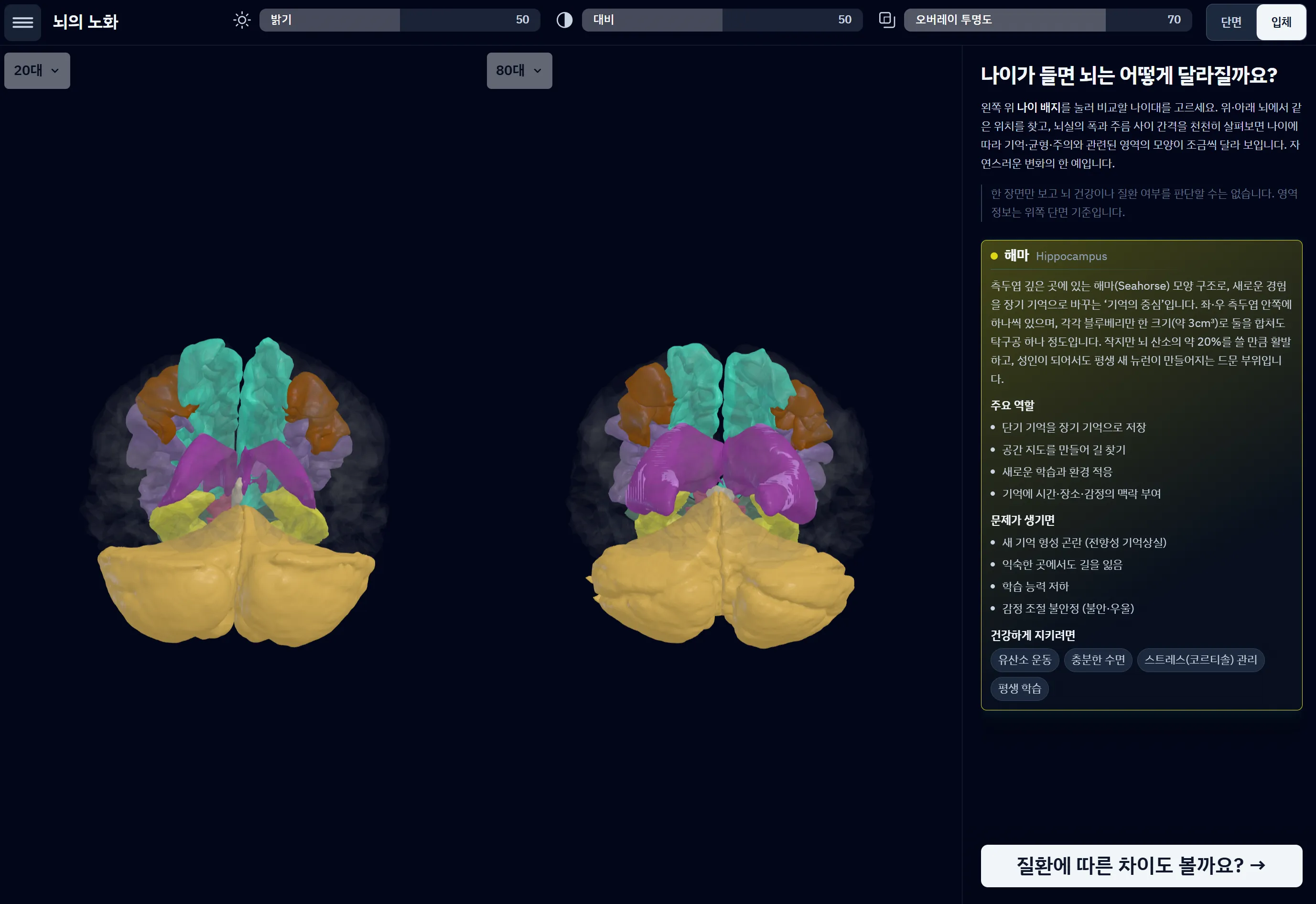
Offline operation, Korean–English switching and an idle return to the first screen support an always-on exhibit. Large touch targets and paired colour and icons make the interface approachable for non-specialists. Visitors use it without accounts or text entry, while operators adjust the home presentation, idle time and guidance from a concealed admin screen.

Tell us about the space and operating plan, and we will review the display, PC and installation format together.
We do not promise unconfirmed hardware figures. Site configuration and unresolved warranty terms are reviewed during quotation.
Discuss a deployment01
02

03